



Simplify your transportation operations.
Bringing cost savings and optimization through our team of experts, execution technology and visibility.

ENSURING YOUR SUCCESS ACROSS THE ENTIRE DOMESTIC SUPPLY CHAIN.
Port
Our knowledge of the nuances of steamship lines, ports and railheads in the U.S. allows us to seamlessly manage transportation from domestic ports.
Drayage
With over 20,000 containers moved each month, we have on-demand drayage solutions and managed drayage solutions for a proactive approach to dray.
Warehousing
Leverage our network over 5,000 connected warehouses for short-term or long-term warehouse solutions to optimize your transportation.
Middle Mile
Through our TMS technology, we optimize middle mile solutions across all modes from simple point-to-point movements, load consolidations, zone skipping and more.
Final Mile
With the technology, point solutions and small parcel expertise, we help you take a strategic approach to your final mile transportation.
Porch
Whether an e-commerce delivery or a truckload shipment to your brick and mortar store, our goal is to make logistics easy, so you can go beyond.
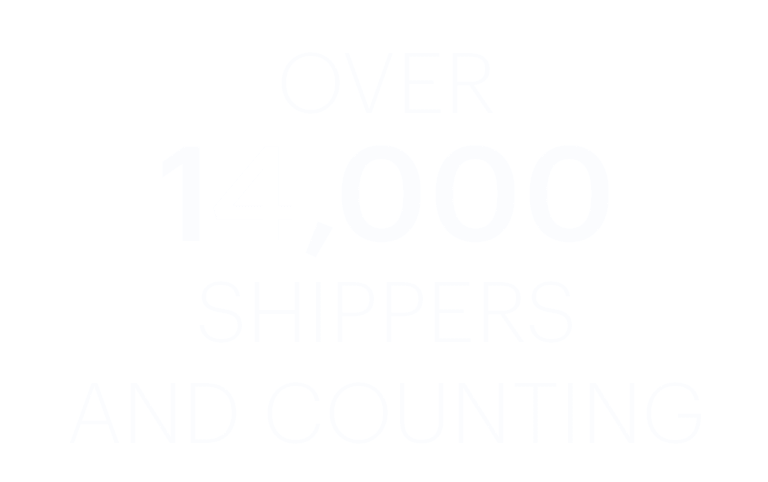
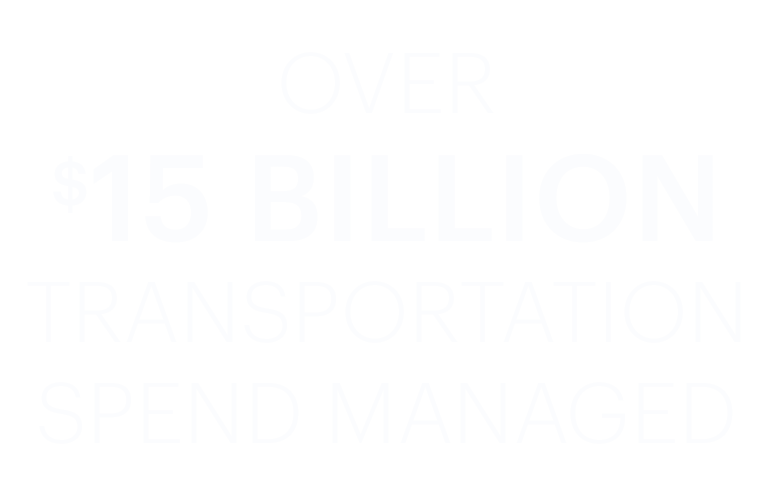
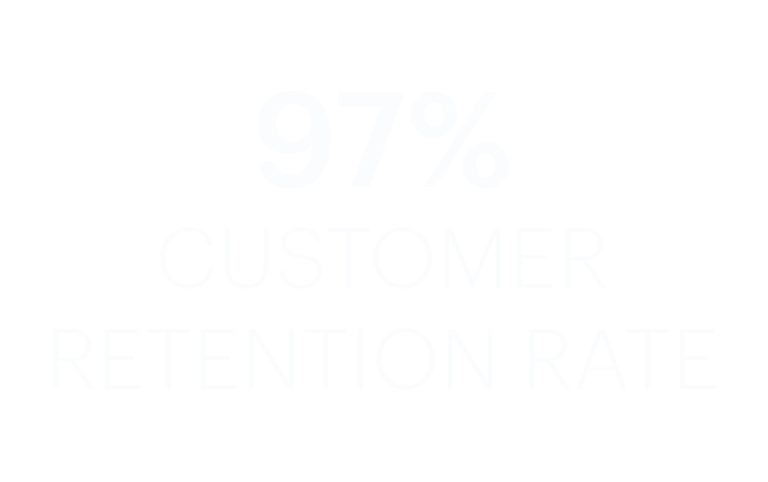
Learn how Transportation Insight is transforming supply chains.


Get in touch with a supply chain expert
We help make logistics easy, so you can go beyond.